Instructions to Download and Install the FileSync Client on Windows 10
- Login to the FileSync server by browsing to: https://sync.gowebdesk.com/portal/loginpage.aspx and entering
your WebDesk login credentials.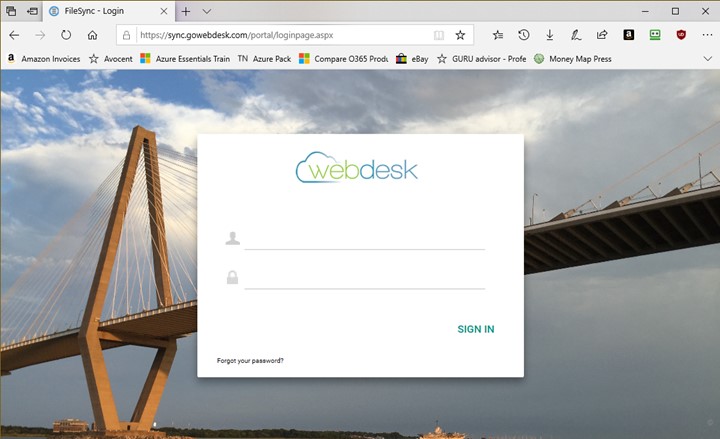
2. Once logged in, click the down arrow next to the user icon to display the menu: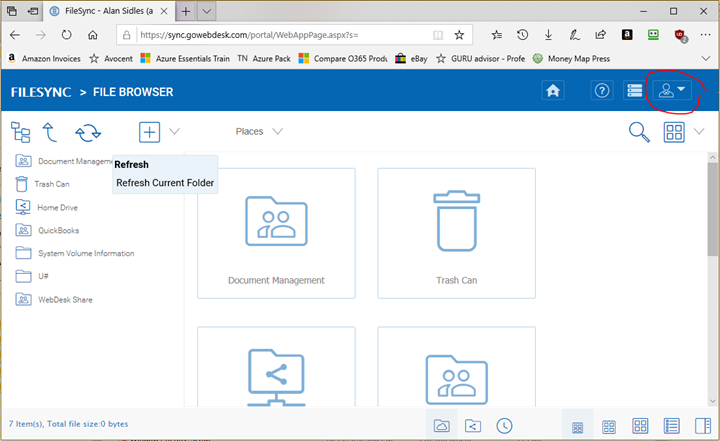
3. This will drop down the menu. Click on “Download and install desktop or server client”: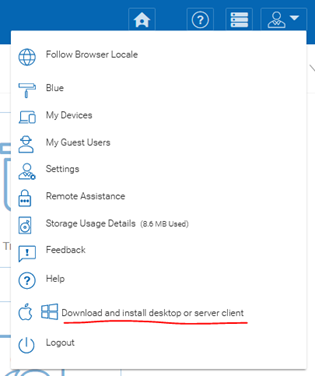
4. The following web page displays. Choose the appropriate download for your system: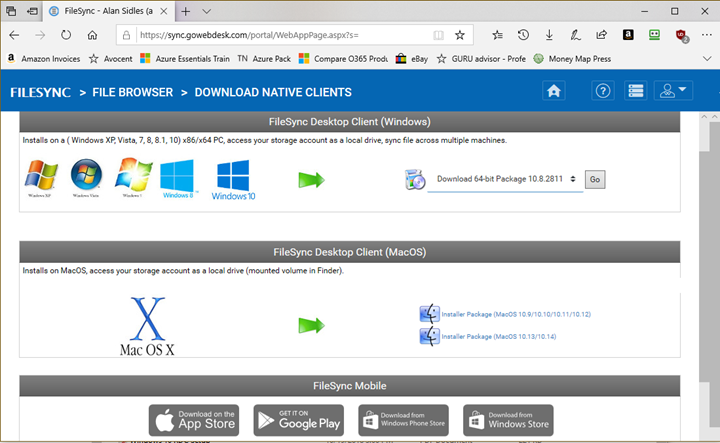
5. Run the file if prompted by your browser:
6. The installer window will appear. Click Next.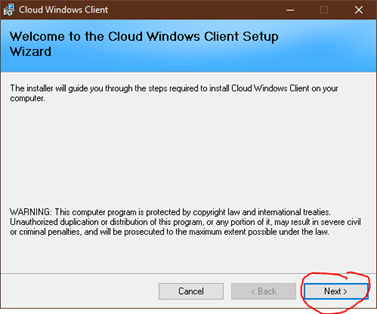
7. On the next window click Agree and then Next: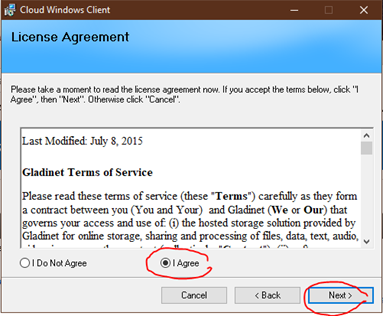
8. Click Next again: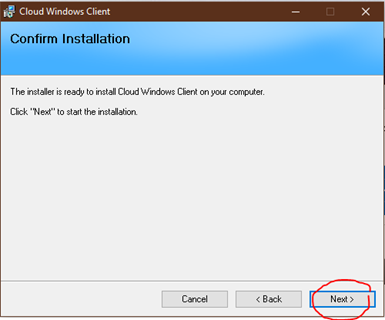
9. If prompted by Windows UAC, click Yes: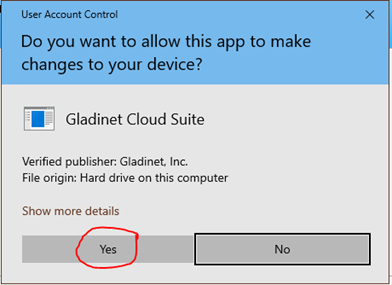
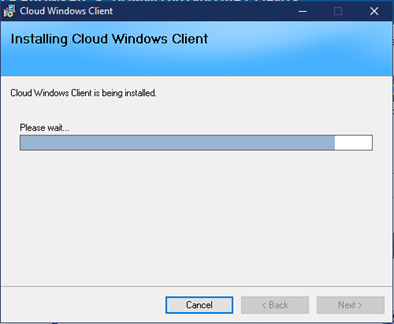
10. The client will now install: